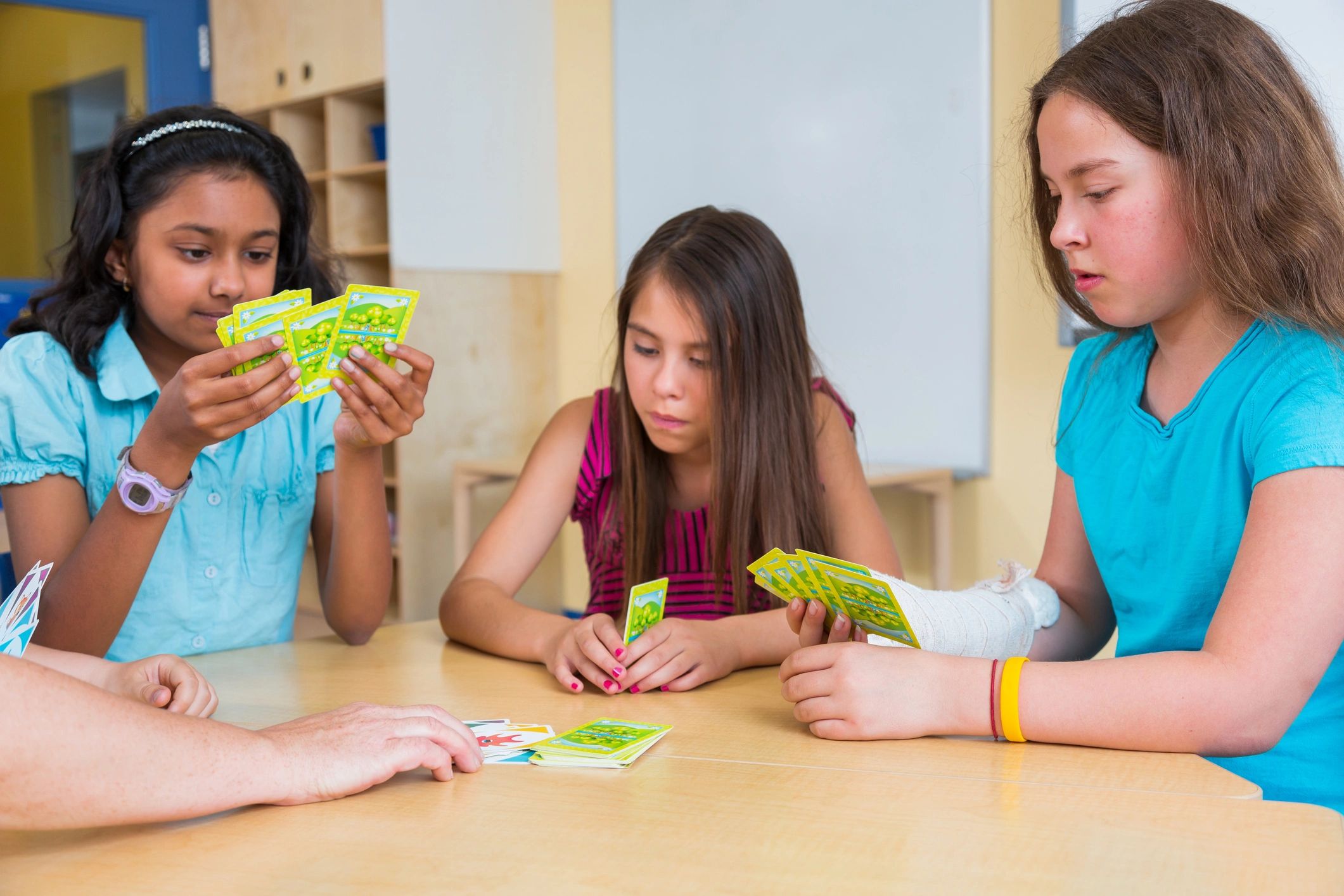
Games by Category
Memory Games
Find kid-friendly memory games with clear photos, skill notes, and practical play tips for home, classroom, and OT sessions.
Why memory games?
Skills you can build through matching & recall
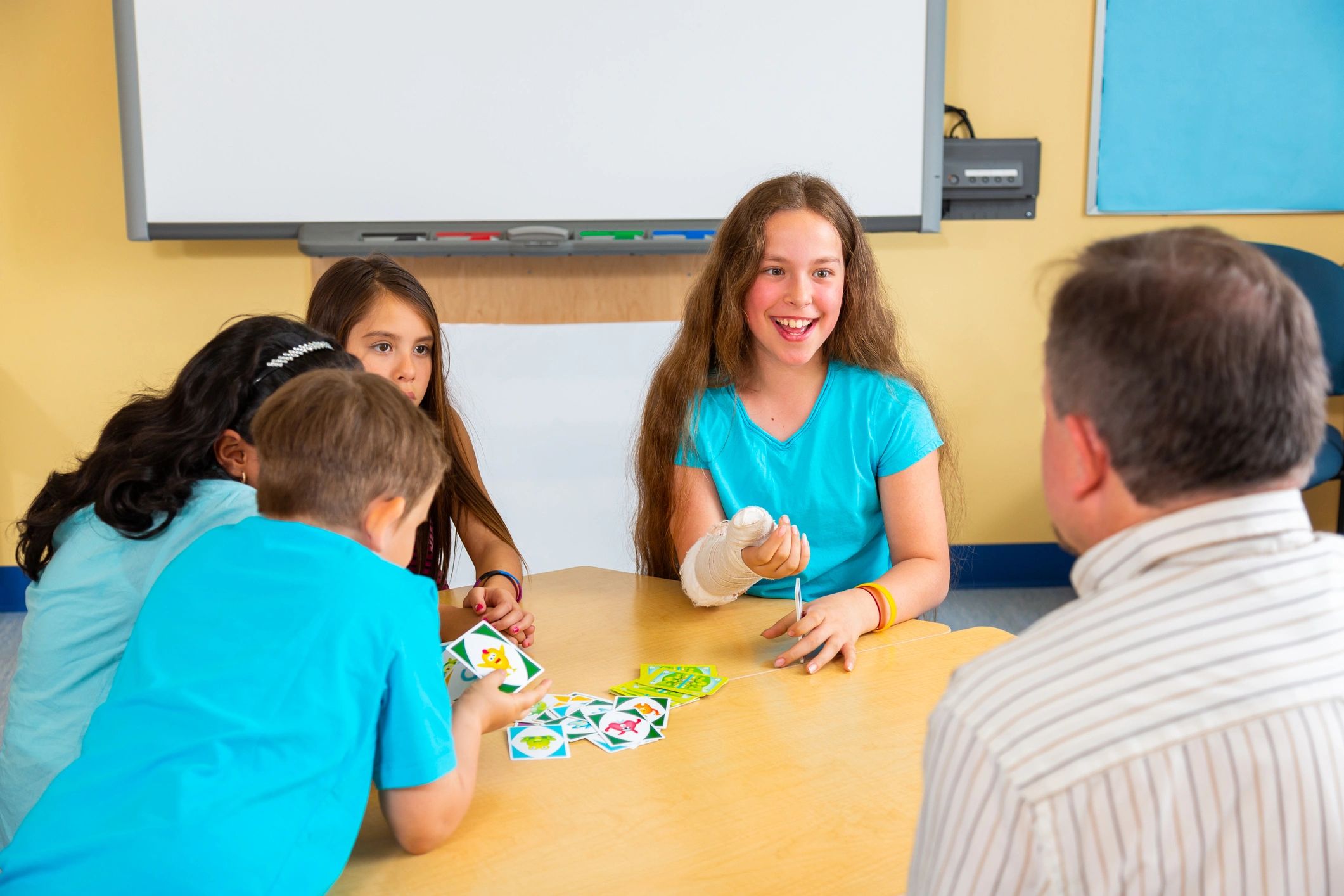
How to use this page
Pick the right memory game fast
Use these shortcuts to find reviews that match your setting, age range, and goals.
Memory games: quick FAQs
Common questions I keep in mind when reviewing memory-style games.
What ages are memory games best for?
Many work well from preschool through elementary—look for larger cards, fewer pairs, and clear pictures for younger players.
How can I make a memory game easier?
Start with fewer pairs, use open display (cards face up) for learning rounds, or play cooperatively to reduce pressure.
How can I make it harder?
Add more pairs, increase spacing, use a timer, or require a verbal label (name the item) before keeping a match.
What skills should I watch during play?
Visual scanning, sustained attention, working memory, turn-taking, frustration tolerance, and strategy use.
Any tips for OT sessions?
Pair matching with a movement break, add a fine-motor “job” (flip with tongs), or use themed cards to target vocabulary.
Do you include real photos in reviews?
Yes—posts include images so you can see components and decide if the visuals and setup fit your learners.